Essentiel
Display my menu
Editable dishes, photos and prices. No table ordering.
49 DH / month
Display my menu Ideas are worth sharing.
Restaurants and cafés
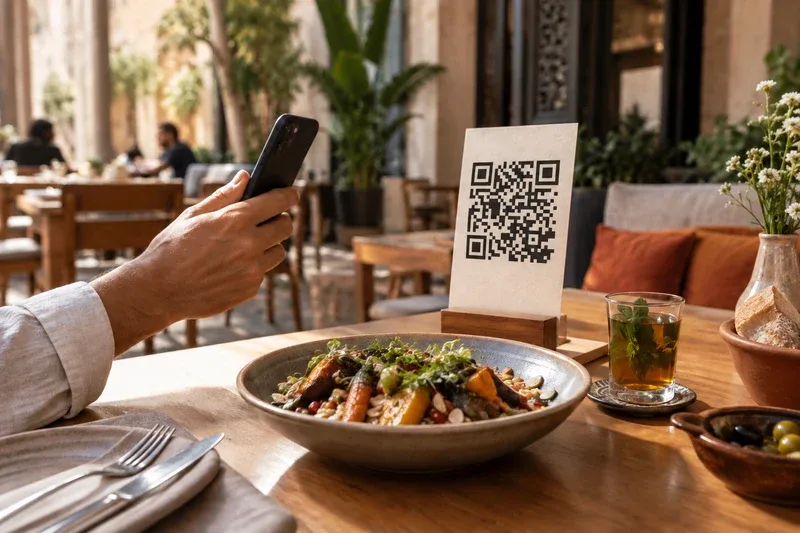
Your team focuses on service. Customers open the menu and order by QR, without installing an app.
Download the brochurePDF · 2 pages
Guided activation · Your customers do not need to install an app.
Essentiel
Editable dishes, photos and prices. No table ordering.
49 DH / month
Display my menuRestaurant
Menu, orders, floor, kitchen and queue for one location.
199 DH / month
Receive and track ordersA menu with 30 dishes does not use 30 references. Several QR codes can open that same menu; printed copies do not use additional quota.
THE QR66 EXPERIENCE
Explore a restaurant menu on your phone: dish photos, categories, options and a demonstration basket.
Try the animated menuDemo · sample dishes and prices
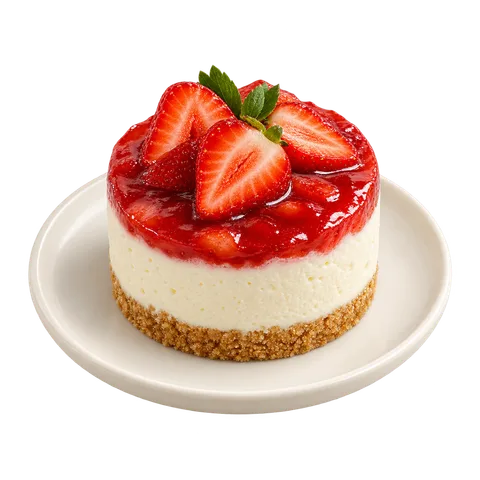
Customers browse and order without waiting for the next visit from a server.
Less walking back and forth and less re-entry leave more time for welcoming, advice and service.
Time saved may make room for more orders and additional table turnover when demand and capacity allow.
Menu, orders, floor, kitchen and waiting line
199 DH/ month
1,990 DH / year · Paid in full for twelve months.
For one location. Prepare the number of table QR codes that fits your restaurant. Hardware, SMS and on-site installation are separate.
Pay by bank transfer, cheque or cash. Card payments are not available yet. Choose a plan from your workspace. We confirm the terms, payment arrangements and activation date before payment. A request alone does not trigger a payment or activate a plan.
This calculation illustrates a scenario. It does not predict QR66’s impact on your business.
For a café or restaurant in Morocco, start with your menu and your team’s workflow. Customers read the menu on their phones; ordering tools depend on your chosen plan.
Yes. Essential includes a viewable menu. Restaurant adds ordering and floor and kitchen tools for one location.
You can edit the menu linked to your QR code without reprinting that same QR code. Update dishes, prices or photos, then check the result on your phone.
No. They scan the QR code on their phone and open the menu in their browser. An Internet connection is needed to view the menu and submit an order.
Yes. You can enable staff approval before orders reach the kitchen. Floor and kitchen staff then follow the same order through its stages.
The journey lets customers submit orders and request the bill. Payment collection and invoicing require your point-of-sale solution or a separate commercial integration.
Restaurant covers one location. Hardware, SMS and on-site installation are separate. Tell us how your team works so we can prepare the QR codes and workstations you need.
Prepare your dishes, choose a customer journey, test the menu on a phone and print your QR codes with this practical QR66 guide.
Enter content and manage additions and changes with your plan’s tools. Initial data entry or updates carried out by our team must be agreed before payment.
Our team guides subscription and activation. Contact us for help getting started: its scope and the activation date are confirmed before payment according to your request.
Your plan’s exports are downloadable files. Printing, table stands, stickers, photography, hardware, SMS and on-site installation are separate.
Download the brochurePDF · 2 pages