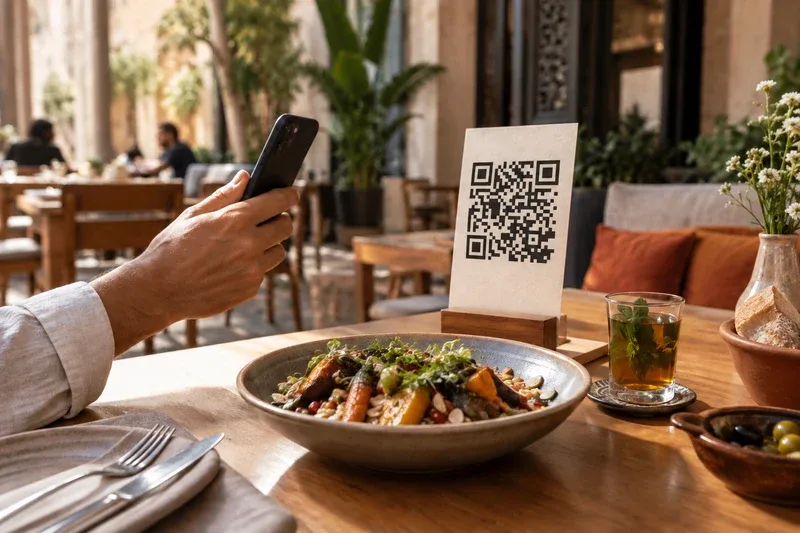
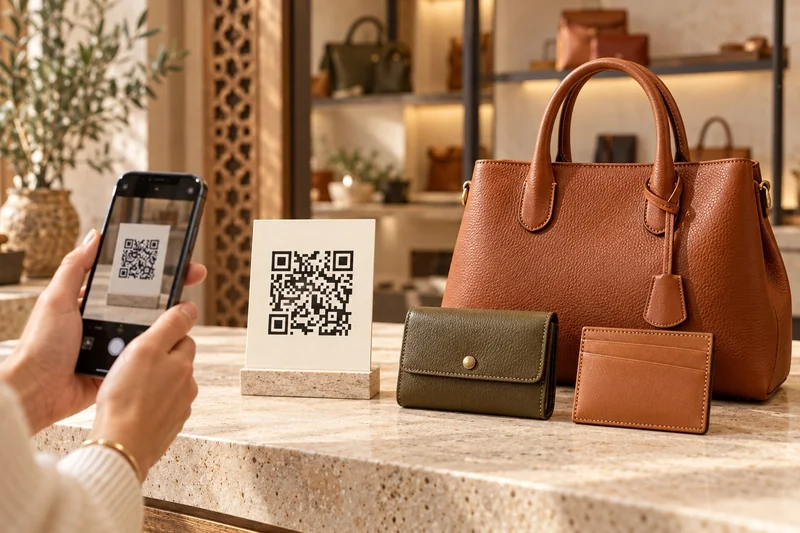
Contact details worth keeping
Create a contact QR code to share useful business details.
 Ideas are worth sharing.
Independent professionals and shops
On a business card, shop window or printed material, take visitors to your contact details, WhatsApp or website.
Download the brochurePDF · 2 pages
Start free, with no payment card.
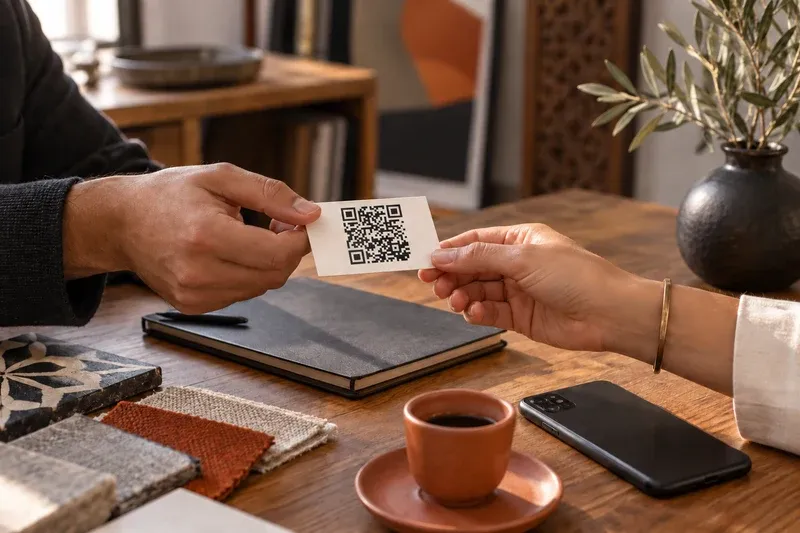
Create a contact QR code to share useful business details.
You can also create WhatsApp, website and Google review QR codes.
Choose your colours and prepare a file for your printed material. Always test scanning before printing.
Yes. Static QR codes are free and unlimited. Their content cannot change after printing. The editable-reference trial lets you explore content that can evolve with your business.
Choose what someone should do after scanning: save your contact details, open your website or start a WhatsApp conversation.
A contact QR prepares your details for saving on the phone. A WhatsApp QR opens a conversation with the specified number; it does not send any message for you. Test the number and journey on several phones.
Contact details encoded directly in a static QR cannot change. If your number changes, create a new QR and replace the affected materials. To change a destination after printing, choose an editable journey supported by your plan.
Review the name, phone number and links, then print one copy at actual size. Keep a clear margin around the QR and scan it under real conditions. The QR helps people contact you; commercial follow-up stays in your management tool.
Understand what stays fixed, what can change and what to check before printing a QR for your menu, contact details or products.
Enter content and manage additions and changes with your plan’s tools. Initial data entry or updates carried out by our team must be agreed before payment.
Our team guides subscription and activation. Contact us for help getting started: its scope and the activation date are confirmed before payment according to your request.
Your plan’s exports are downloadable files. Printing, table stands, stickers, photography, hardware, SMS and on-site installation are separate.
Download the brochurePDF · 2 pages